Description
This vw golf mk7 7 5 digital cluster listing is for 2013–2020 models. Review the fitment and feature details below, and ask us to confirm compatibility with your vehicle before ordering.
Golf 7 / Mk7 / Mk7.5 · YB-116
Give Your Golf Mk7 a Modern 12.3-Inch Digital Cockpit
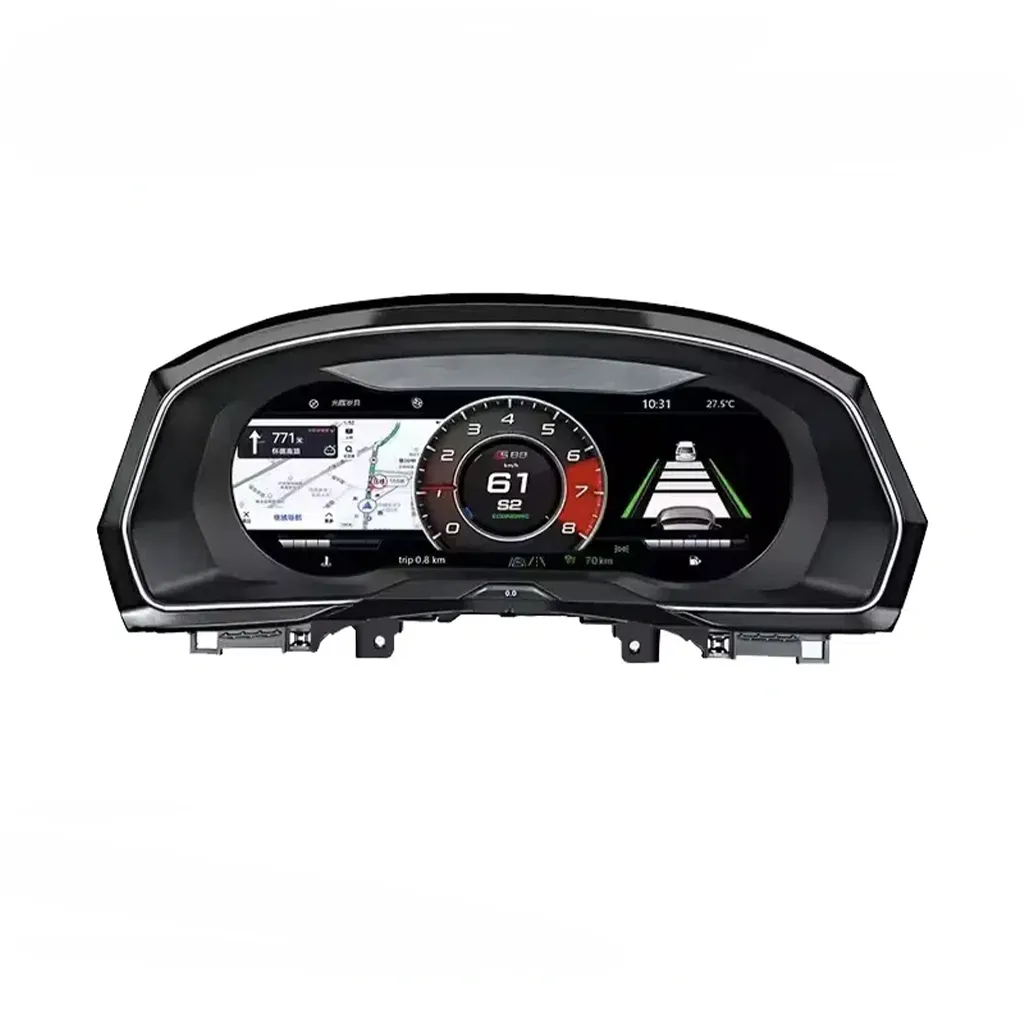
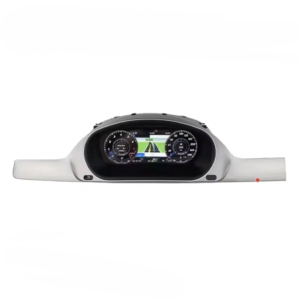
The VW Golf Mk7 Digital Cluster replaces the analog-style driver view with a 12.3-inch, 1920×720 IPS LCD. Enjoy clearer driving information, selectable display themes and an OEM-style fit with the correct Golf 7 vehicle-specific kit.
- Clearer speed, RPM, fuel and trip information
- Supported warnings and factory controls retained
- Multiple digital dial and display styles
- Matched wiring; no factory wire cutting in standard installations
12.3-inch IPS Wide digital driver view
1920×720 Detailed LCD layout
Linux Dedicated fast-boot cluster
Wheel Controls Supported controls retained
YB-116 Version matched to vehicle
Matched Harness Supported original wiring
A more useful driver view
Why the VW Golf Mk7 Digital Cluster Changes Everyday Driving
Upgrade the display you use on every trip
Instead of adding a separate screen somewhere in the cabin, this retrofit modernizes the instrument panel directly behind your steering wheel. A wider digital canvas places the important driving information in the driver’s usual sight line while keeping the familiar Golf dashboard architecture.
- Modern, cleaner cockpit appearance
- Easy-to-read digital driving data
- Multiple themes for different preferences
- Vehicle-specific finish rather than a universal tablet
If your only goal is phone connectivity, a head-unit upgrade serves a different purpose. This product upgrades the instrument cluster itself. Explore the virtual cockpit retrofit guide.
Digital Display, Factory Controls and Vehicle Data — In One Golf Mk7 Upgrade
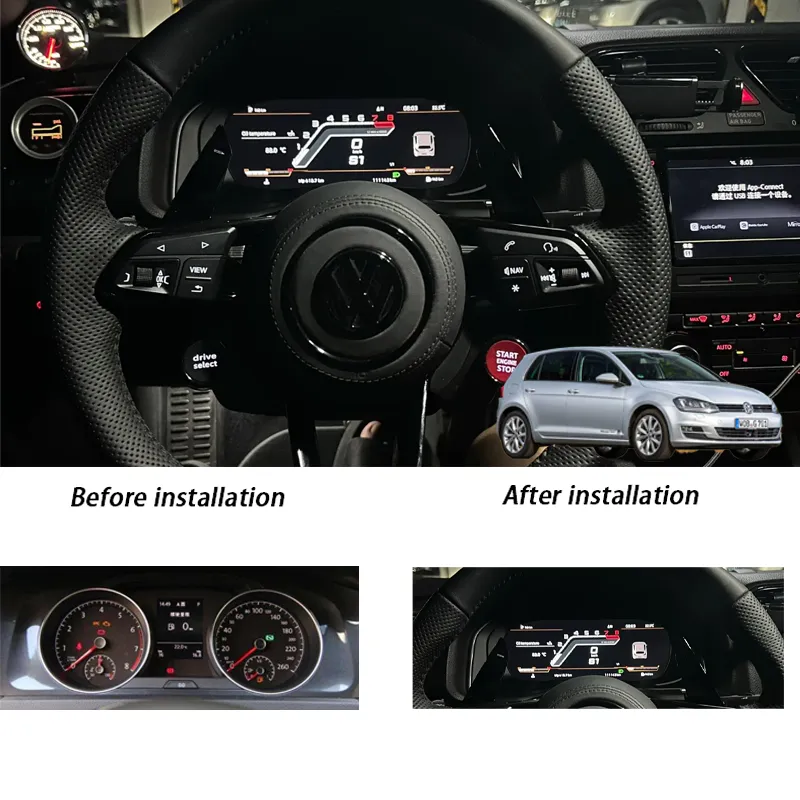
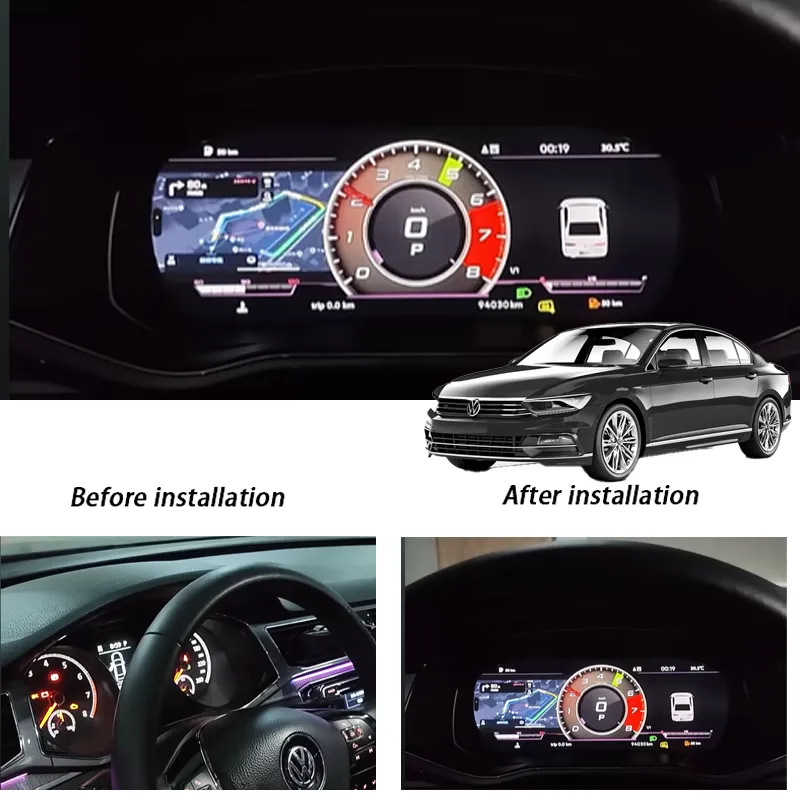
A proper before-and-after cockpit upgrade
The 12.3-inch LCD changes the driver-facing instrument area, not the central multimedia screen.
The correct frame and cluster variant are prepared around the vehicle’s original instrument layout.
Steering-wheel controls that stay familiar
Supported multifunction steering-wheel inputs continue to control compatible cluster pages and menus after the original electronics and matched interface are installed correctly. You keep the control layout you already know rather than learning an unrelated universal-display interface.
Selectable digital themes
Different dial layouts change how the driver’s main information is presented. Choose a clean daily-use layout or a more visual theme according to the installed software version and available cluster menus.
Vehicle data and warning information
The matched cluster is designed to display supported speed, RPM, gear, fuel, trip and warning information.
CarPlay, Android Auto, camera or HDMI: matched to the paired system
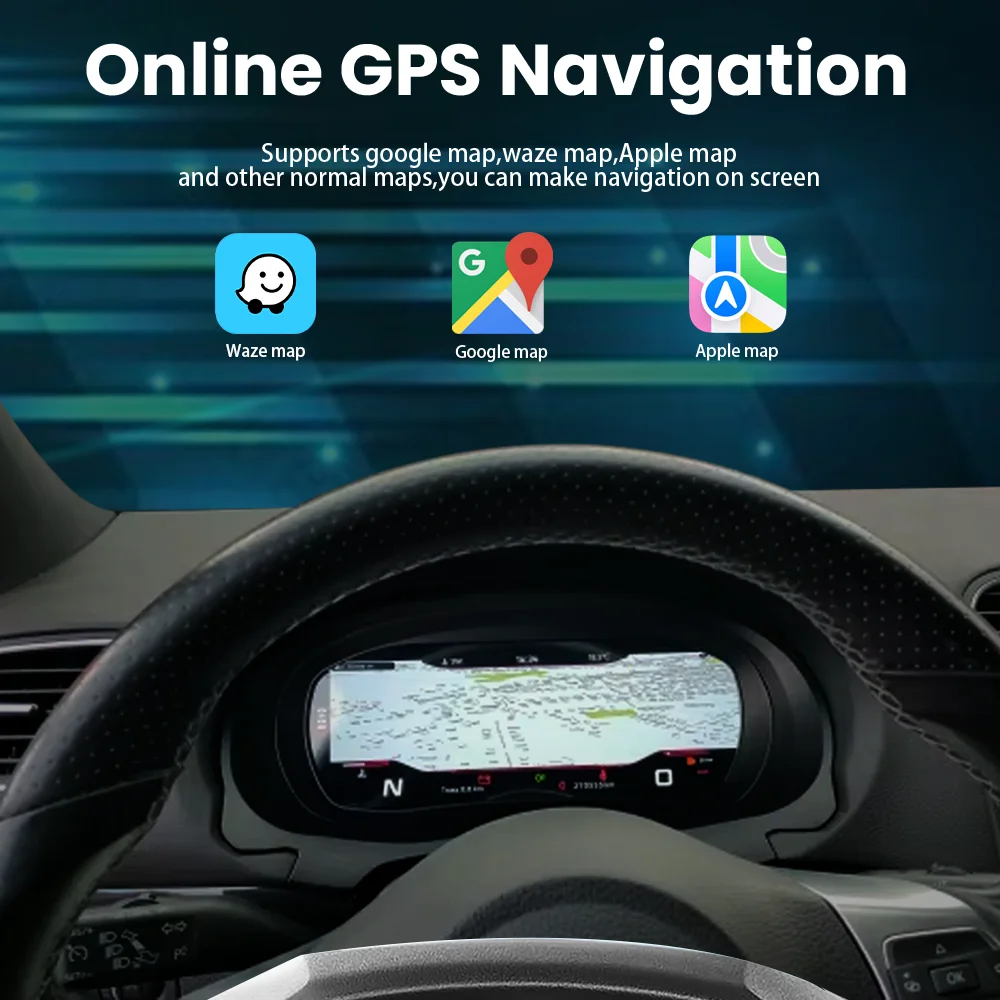
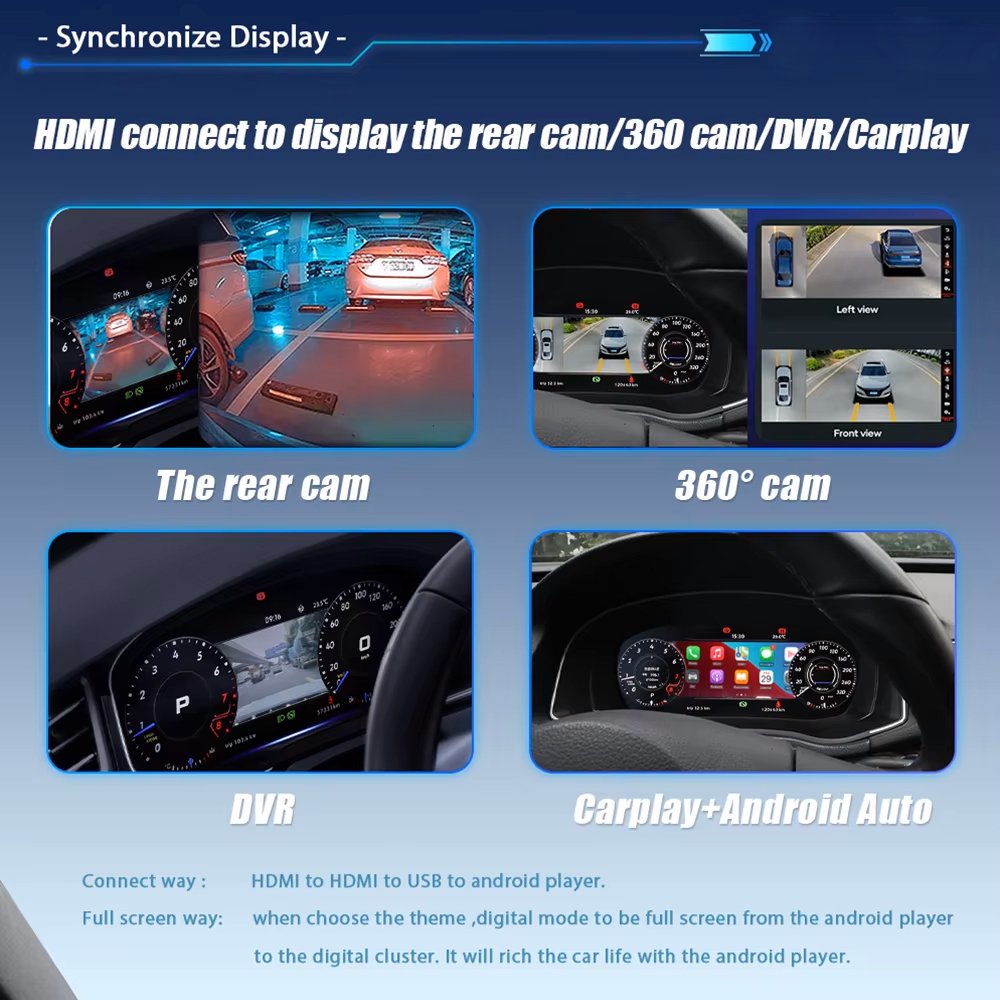
The Linux cluster is a dedicated instrument display, not an Android head unit. CarPlay, Android Auto, camera and 360-view display depend on the compatible source, applicable video input hardware and the specific ordered configuration. When the right route is available, selected information can be presented closer to your normal driving sight line.
Golf 7 · MQB platform
Will This VW Golf Mk7 Digital Cluster Fit Your Golf 7, GTI or Golf R?
It is intended for supported analog-cluster VW Golf 7 / Golf Mk7 / Mk7.5 vehicles, with the exact version confirmed against your dashboard and original instrument cluster. The current product listing covers 2013–2020 market years; the published standard installation guide specifically documents 2014–2020.
Volkswagen Golf 7 / Golf Mk7 Hatchback and supported market variants with the matching analog-cluster architecture.
Golf Mk7.5 / facelift Supported analog-cluster configurations after original panel and connector confirmation.
Golf GTI / Golf R / R-Line / GTE Variant-specific dashboard and original-cluster matching; these names alone do not guarantee fit.
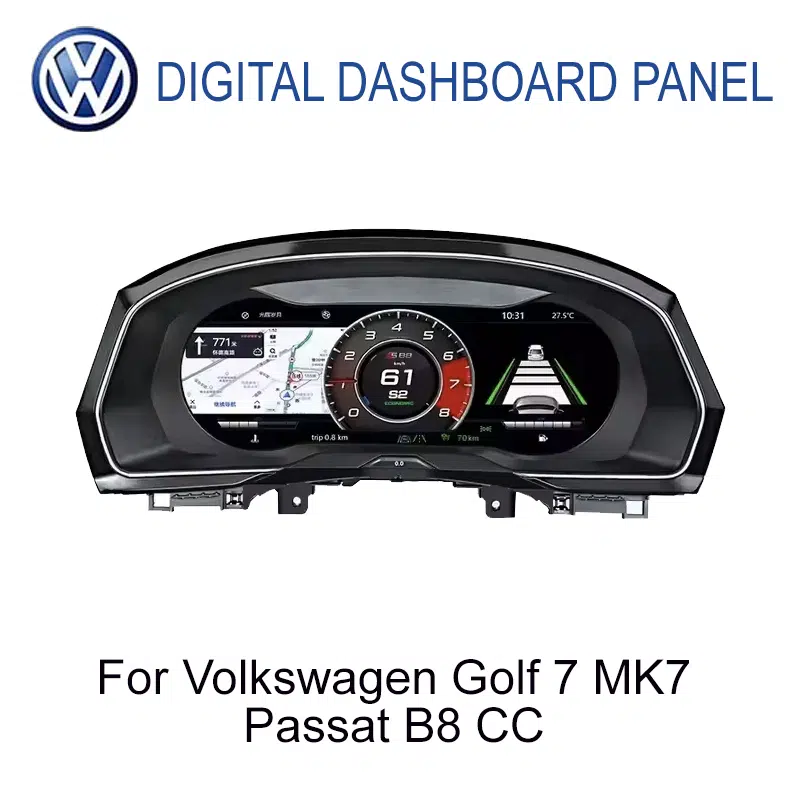
Passat B8 / Arteon / CC enquiries Related applications mentioned in the listing; each requires its own dashboard, frame and connector review.
LHD / RHD configuration Identify steering position and dashboard shape; supply the applicable matched kit only after approval.
Factory digital cockpit or modified car? The analog-to-digital installation guide does not cover an existing factory digital cockpit or substantially modified cluster wiring.
Original electronics matter
Will Original Golf Mk7 Mileage, Fuel, Warnings and Steering Controls Remain?
Supported original vehicle information is retained through the correct cluster conversion route, which includes transferring required components from the original analog instrument cluster. For the documented Golf Mk7 installation, this includes the relevant internal board path and the original buzzer or speaker; it is not an empty-housing swap. Original mileage and factory data must not be altered manually.
Driving Data Speed, RPM, gear, trip
Fuel & Mileage Supported original information
Warnings Supported factory status
Wheel Controls Compatible menu operation
Original Board Required internal transfer
Factory Sounder Keep buzzer/speaker path
Specific displays, steering-wheel menu behavior, camera routes and vehicle status details vary by original equipment and confirmed cluster version. Read the factory-function retention standard.
How Is the VW Golf Mk7 Digital Cluster Installed?
The documented Golf Mk7 analog-cluster conversion uses careful trim removal, original-cluster disassembly, required internal-component transfer, a matched wiring connection and a complete first-boot test. The standard supported route does not require factory wire cutting or ECU flashing; non-standard vehicle configurations may need individual setup advice. An experienced DIY installer or automotive-electronics professional is appropriate.
01 Confirm & prepare
Check the analog cluster, correct version, dashboard and matched harness.
02 Remove the cluster
Release the trim carefully and move the original unit to a clean bench.
03 Transfer electronics
Move required original board components and retain the buzzer/speaker.
04 Connect & start
Install the upgraded assembly and reconnect the vehicle-specific wiring.
05 Verify functions
Check speed, fuel, warnings, wheel buttons and display menus before final trim closure.
For the full illustrated board-transfer sequence and control setup, use the Golf Mk7 / Mk7.5 digital cluster installation guide
More Than a New Screen: A Vehicle-Specific Golf 7 Upgrade
Dedicated instrument system
Linux-based cluster software is built for the driving display; it is not a separate Android tablet behind the steering wheel.
Purpose-matched connections
The correct harness and interface help preserve supported factory signals without intentional cutting of standard factory wiring.
Clear setup follow-through
Menus, display source configuration and applicable firmware or settings guidance can be handled against the confirmed version after installation.
YB-116 product configuration
VW Golf Mk7 Digital Cluster — Key Specifications
12.3-inch IPS LCD
1920×720 Wide display
Linux Dedicated system
YB-116 Product code
| Product type | VW Golf Mk7 digital instrument cluster / LCD cockpit retrofit |
|---|---|
| Primary vehicles | Volkswagen Golf 7, Golf Mk7 and Golf Mk7.5 with a confirmed supported analog-cluster configuration |
| Listed model years | 2013–2020 by product listing; the current published standard installation route covers 2014–2020. Confirm 2013 and market-specific variants separately. |
| Other enquiries | Passat B8, Arteon and listed CC applications require individual frame, dashboard and connector confirmation; no universal cross-fit guarantee. |
| Display | 12.3-inch IPS LCD |
| Resolution | 1920×720 pixels |
| Operating system | Linux; dedicated instrument-cluster software |
| Startup | Fast-start behavior designed for instrument-display use; no fixed startup-time promise. |
| Available layouts | Selectable digital themes and supported menus; available choices depend on installed software version. |
| Original controls | Supported multifunction steering-wheel control retention after correct matching and configuration |
| Original electronics | Required original cluster internal components and factory buzzer/speaker are transferred for the documented Golf Mk7 analog-conversion route. |
| Wiring | Matched harness and interface for supported cars; no intentional factory wire cutting in the standard route. |
| Map / CarPlay / camera input | Only with the confirmed paired system and compatible navigation, HDMI or screen-projection route; not standalone Linux apps. |
| SKU | YB-116 |
The kit and the support path
Frequently asked questions
Will this vw golf mk7 7 5 digital cluster fit my vehicle?
This vw golf mk7 7 5 digital cluster listing is for 2013–2020 models. Compatibility can depend on your trim, original cluster and software version, so send us your vehicle details before ordering and we will help confirm. Read our VW Golf Mk7 virtual cockpit guide.
Do you ship the vw golf mk7 7 5 digital cluster to my country?
We ship from Texas City, Texas, to customers worldwide. Rates, delivery estimates and customs information are on our Shipping & Returns page.
Does the vw golf mk7 7 5 digital cluster need coding or a professional installer?
Installation requirements vary by vehicle and kit version, so ask us what is needed for your car before you order.
What if the vw golf mk7 7 5 digital cluster does not fit?
If a part does not fit your vehicle you can request a return for a replacement or a refund. See Shipping & Returns for the process, and our digital cluster buying guide for what to check first.

Reviews
There are no reviews yet.