




Description
Skoda Octavia A5 / A7 · 10.25-Inch LCD Cluster
Skoda Octavia A5 A7 Digital Instrument Cluster for a cleaner OEM-style cockpit upgrade.
This Skoda Octavia A5 A7 Digital Instrument Cluster is built for supported Octavia A5 2004–2013, Octavia A7 / 5E 2013–2020 and RS trim-dependent dashboards. It replaces the older analog-style gauge experience with a 10.25-inch LCD digital cockpit while keeping supported vehicle data, warnings and steering-wheel key behavior through the matched vehicle route.
10.25-Inch LCD · 1920×720 · CANBUS Data Route
Give the Octavia driver display a modern look without losing the car’s original logic.
The goal is not to install a random screen behind the steering wheel. This digital instrument cluster is prepared around the Octavia A5 / A7 dashboard route, original cluster shape, connector path and supported vehicle-data behavior.
Octavia A5 2004–2013 Octavia A7 / 5E 2013–2020 RS trim-dependent No intentional wire cutting
Check My Cluster Version Compatibility Guide
What is this product?
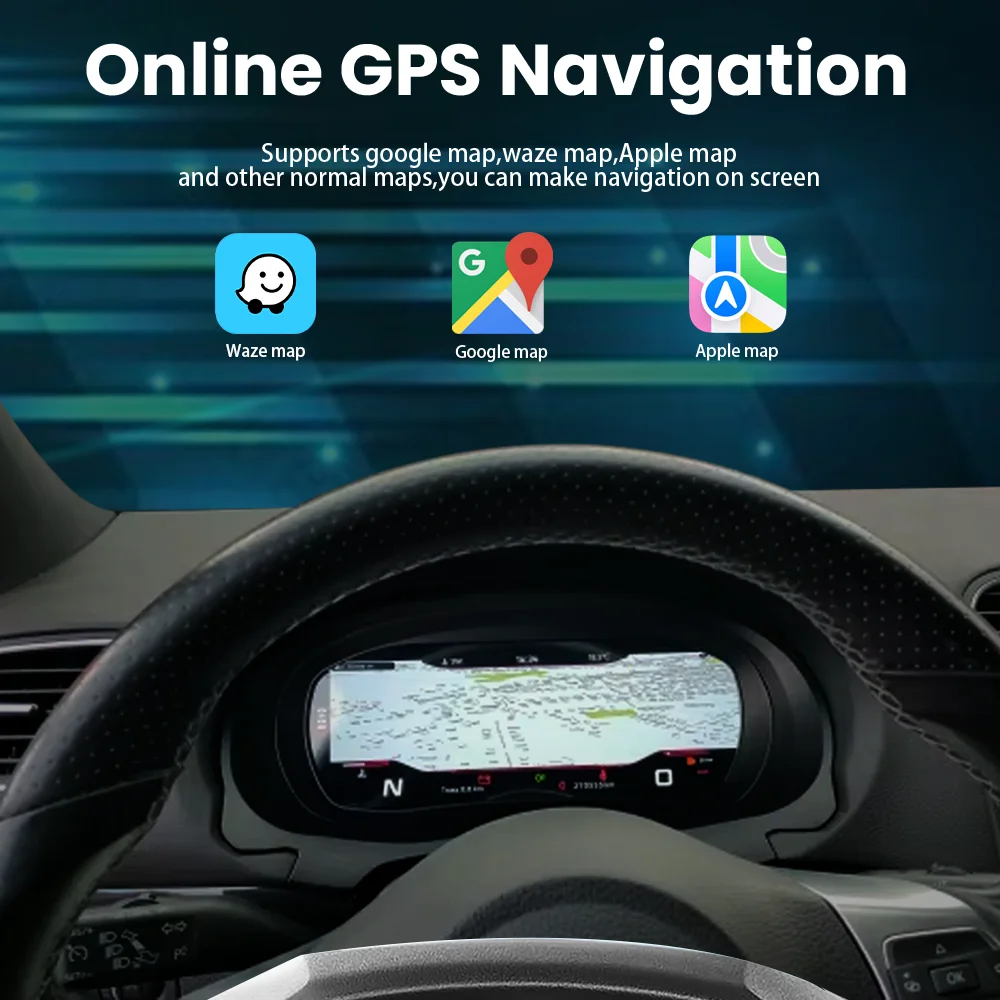
The Skoda Octavia A5 A7 Digital Instrument Cluster is a 10.25-inch LCD driver display upgrade for supported Octavia A5, Octavia A7 / 5E and selected Octavia RS configurations. It is not an Android head unit. It is a digital instrument panel designed to display speed, RPM, fuel level, mileage, trip data, warnings and supported vehicle information through the matched vehicle data route. Navigation prompts and media information depend on the vehicle configuration, the head unit route and the kit version.
A5 and A7 need different confirmation logic
Octavia A5 and Octavia A7 / 5E use different platform routes.
Digital cockpit, not a center radio
This product replaces the instrument cluster area, not the central infotainment screen. CarPlay, Android Auto or navigation prompts can only appear through supported vehicle or head-unit integration.
Designed for OEM-style information display
The value is a cleaner, more modern driver display while keeping the Octavia cabin logic familiar. The main focus is vehicle data, warning visibility and cockpit appearance.
Current Product Media
Real visuals for the Octavia digital cluster route.
Generic support graphics are not used.
10.25-inch digital cluster layout for a more modern Octavia cockpit.
The original analog-style cluster can still work, but it makes the cabin feel older. This digital instrument cluster gives the driver a cleaner LCD display while keeping the dashboard focused on driving data.
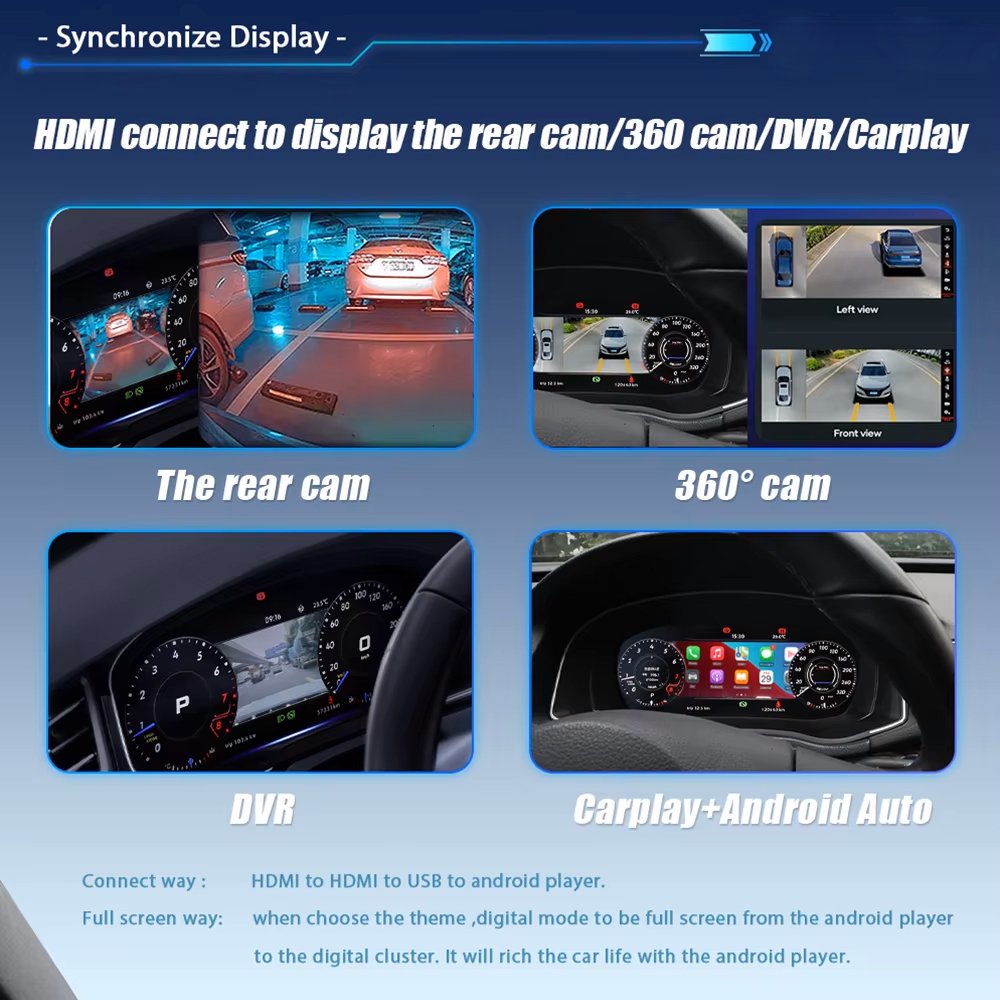
Media and camera display behavior depends on the integration route.
The cluster can work with supported display information from the vehicle or compatible head unit setup. Camera, DVR, CarPlay and Android Auto behavior should be treated as configuration-dependent, not guaranteed by the cluster alone.
Display themes make the cockpit feel current without losing Octavia identity.
Classic, sport and full-screen display styles help the same vehicle feel more modern. The real value is not only more graphics, but better organization for speed, RPM, trip data, fuel level and warnings.
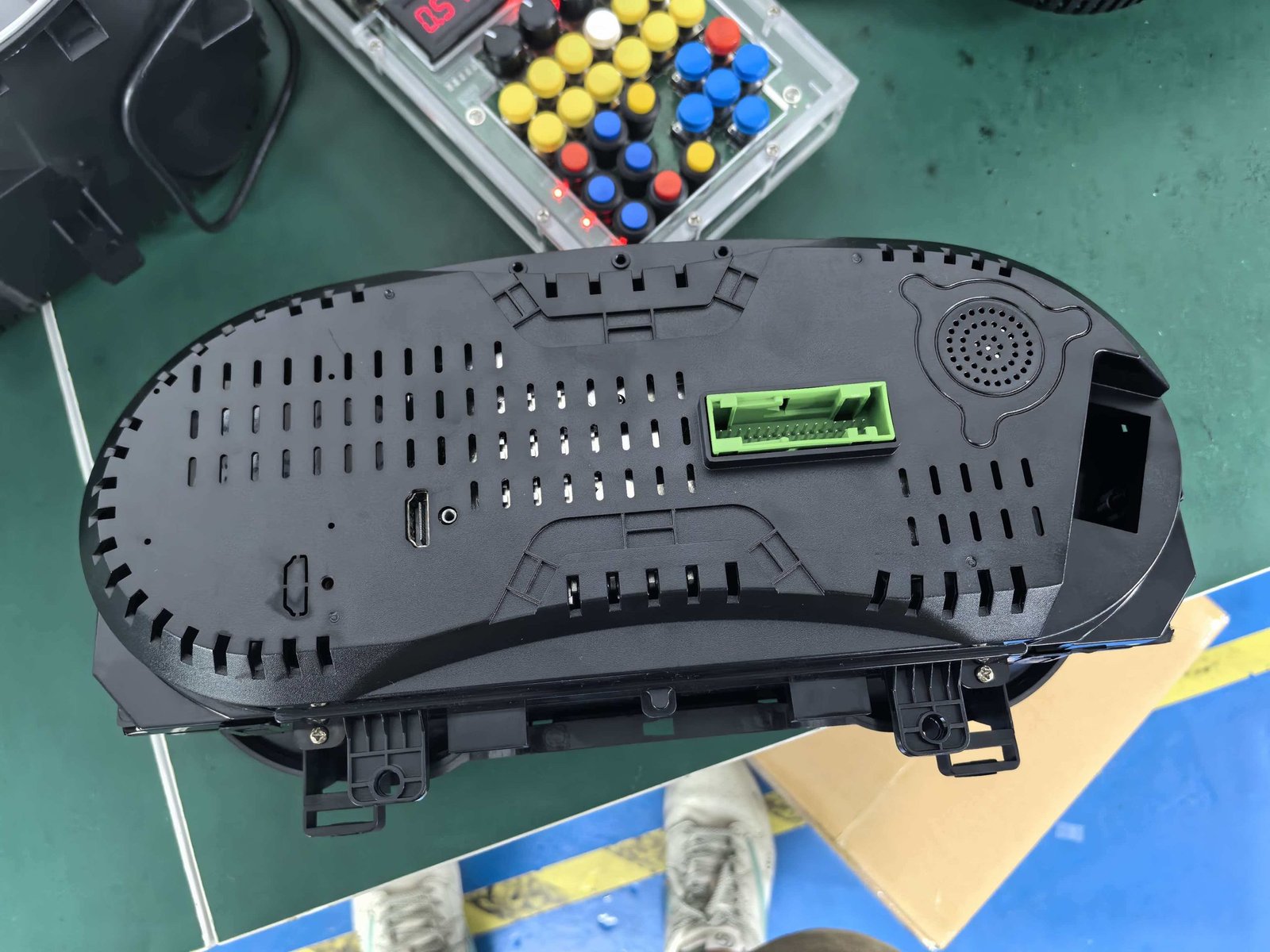
Hardware and package route prepared for vehicle-specific installation.
This is not a universal dashboard screen. The product route must match the car’s platform, wiring and vehicle data behavior.
Fitment Logic
A digital driver display for a car that still drives well.
Many Octavia owners keep the car because it is practical, reliable and still useful. The old cluster makes the cabin feel dated.
10.25-inch LCD display
The 10.25-inch LCD gives the driver a larger, clearer digital display for speed, RPM, trip, mileage, fuel and warning information compared with the older analog-style cluster.
1920×720 resolution
The high-resolution display helps keep numbers, icons and theme graphics easier to read during day and night driving. Final readability also depends on vehicle brightness settings and installation quality.
CANBUS vehicle data route
The matched CANBUS route is what helps preserve supported factory data, warnings and steering-wheel key behavior. This is the key difference between a vehicle-specific cluster and a generic display.
Theme and display options
Classic, sport and full-screen style themes help the cluster match different driving preferences. This improves the cockpit without making the dashboard feel unrelated to the car.
Key specifications for this Skoda Octavia digital cluster route.
This product route is built around a 10.25-inch LCD digital instrument display with vehicle-data retention through the matched installation path. Final behavior depends on platform route and vehicle configuration.
Primary Keyword Skoda Octavia A5 A7 Digital Instrument Cluster
Vehicle Route Octavia A5 / A7 5E / RS trim-dependent
Year Range 2004–2020 version check required
Display 10.25-inch IPS LCD
Resolution 1920×720
Viewing Angle 178° typical
Refresh Rate 60Hz
Response Time 5ms typical
Power Input 12V DC
Current 3A max
Power 36W max
After You Order
Why choose a vehicle-specific Octavia digital cluster instead of a generic display?
A digital driver display must work with vehicle data, warnings and the original cluster location. A generic display may look modern, but it does not replace the factory instrument cluster route.
Repair original cluster
This keeps the original look, but the cockpit still feels dated and you do not gain a modern LCD display or theme-based driver information layout.
Generic display add-on
A separate screen may show limited data, but it does not sit in the factory cluster position and usually cannot offer the same OEM-style dashboard result.
Motoway Upgrade Octavia cluster route
Installation and Function Testing
Test the cluster before finishing the dashboard.
A successful digital cluster install is not only about powering on the screen. Before final reassembly, the installer should confirm vehicle data, warnings, brightness, language and steering-wheel key behavior where supported.
Install path
- Disconnect power safely according to normal vehicle electronics practice.
- Remove the original cluster trim and instrument cluster carefully.
- Connect the matched cluster wiring route without forcing connectors.
- Set the correct vehicle route where required.
- Confirm the display theme, language and brightness behavior before final reassembly.
Function test list
- Power-on behavior and screen clarity.
- Speed, RPM, fuel, mileage and trip data.
- Steering-wheel key behavior where supported.
- Navigation or media prompts if the vehicle and head unit route support them.
- No fault warnings caused by connector mismatch or incorrect version route.


Reviews
There are no reviews yet.