
Description
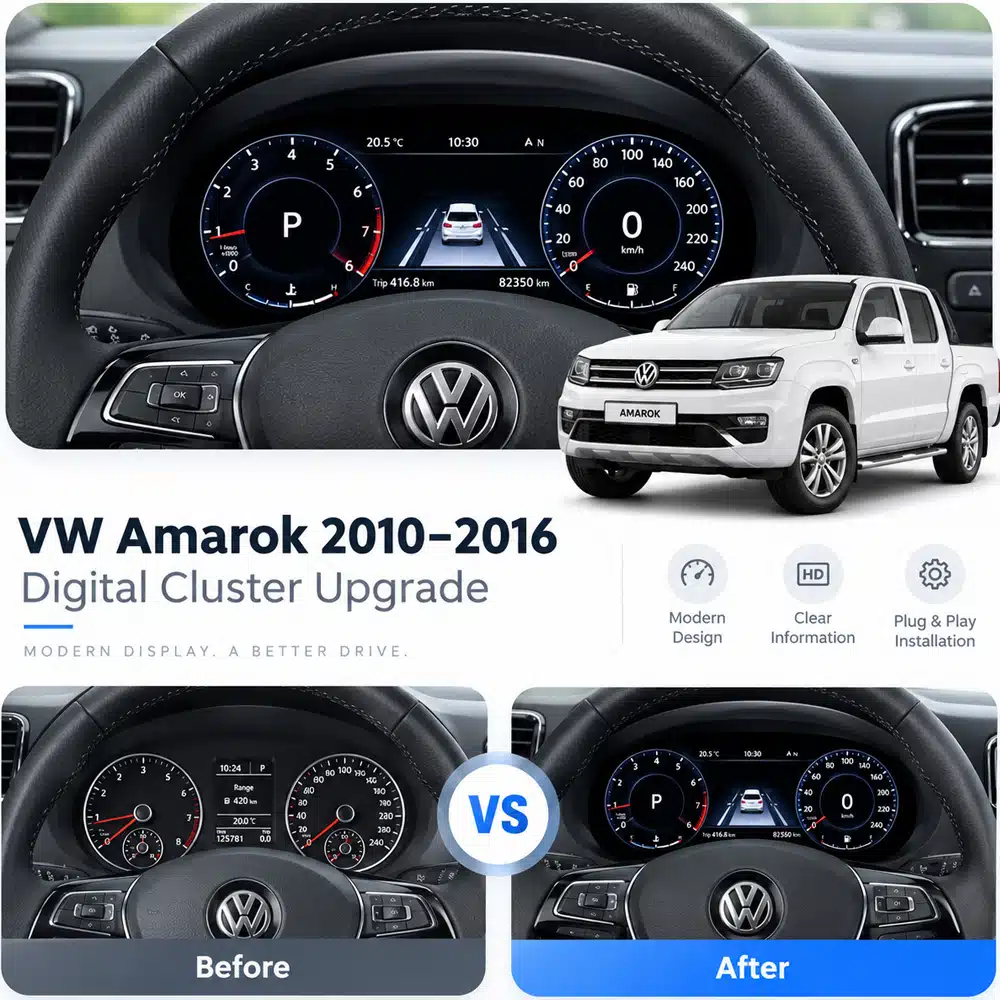
This vw amarok digital cluster listing is for 2010–2016 models. Review the fitment and feature details below, and ask us to confirm compatibility with your vehicle before ordering.
VW Amarok 2010–2016 · 10.25″ Full LCD · SKU YB-101
Modernize Your VW Amarok With a Driver-Focused Digital Cockpit
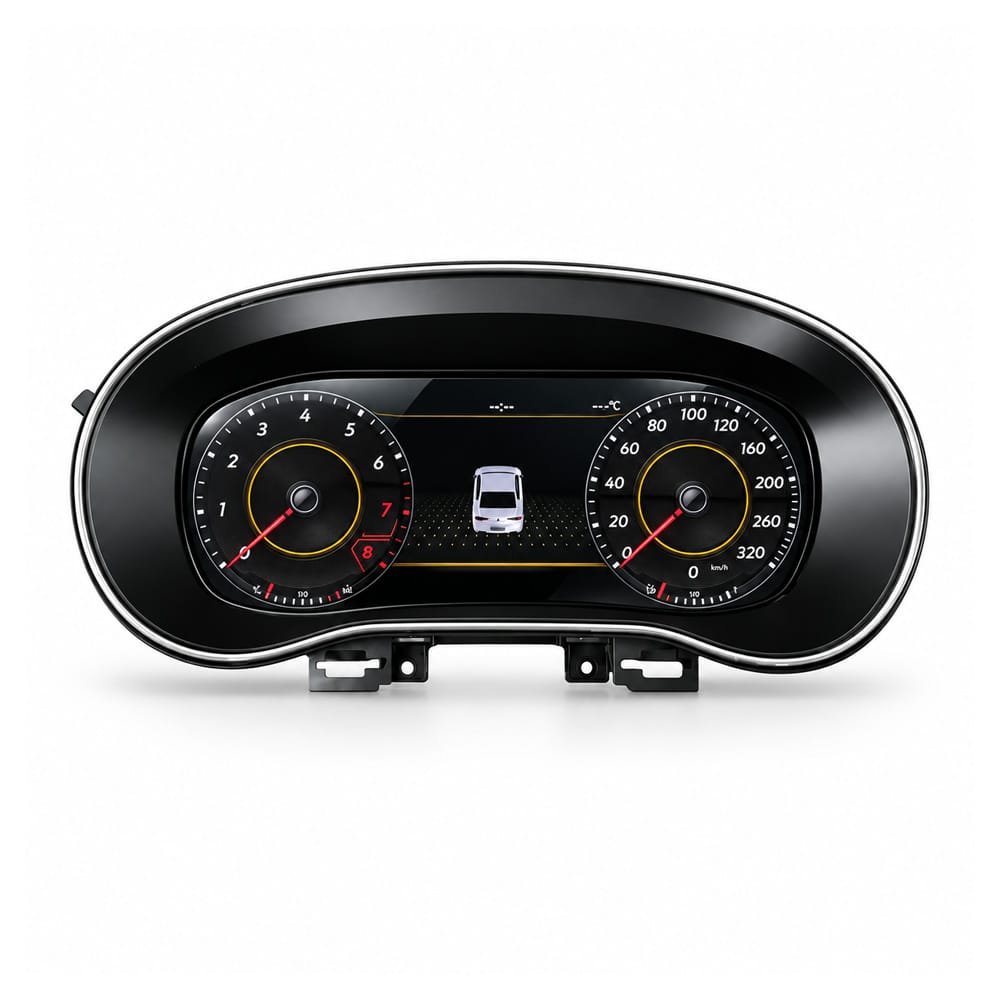
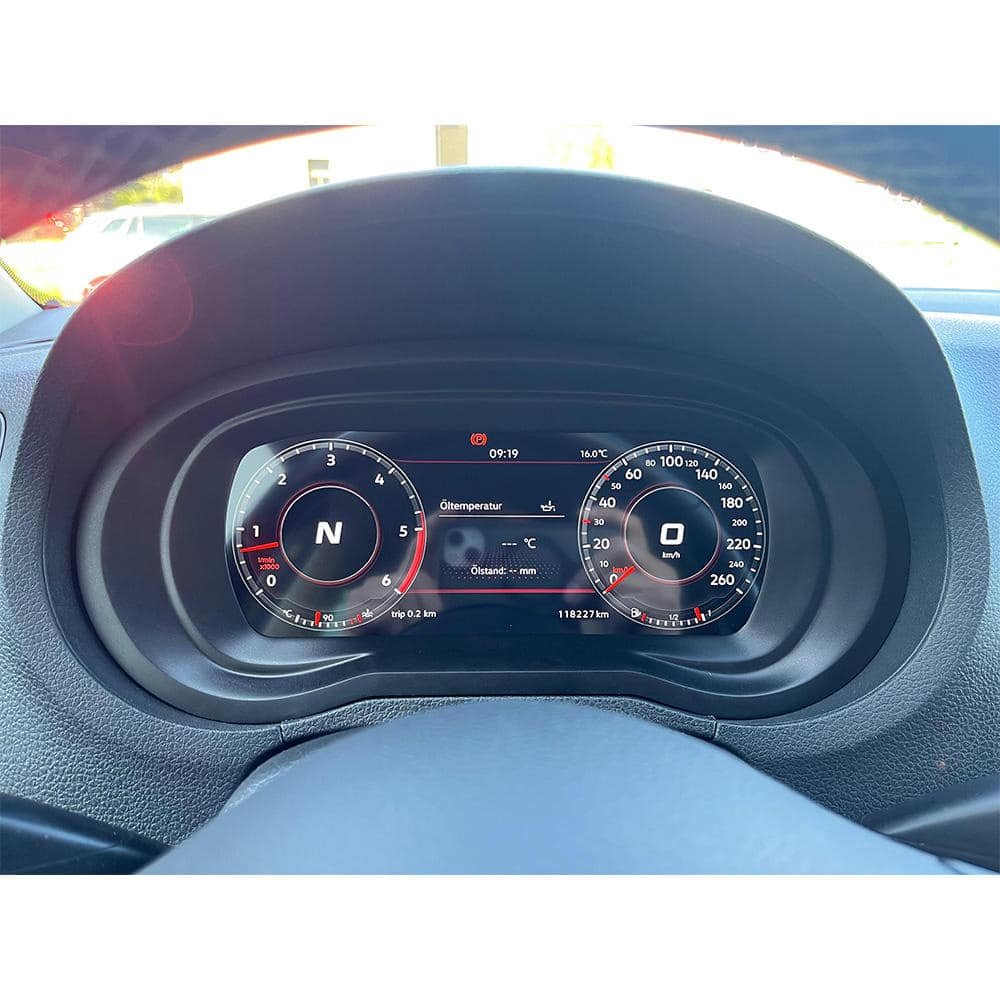
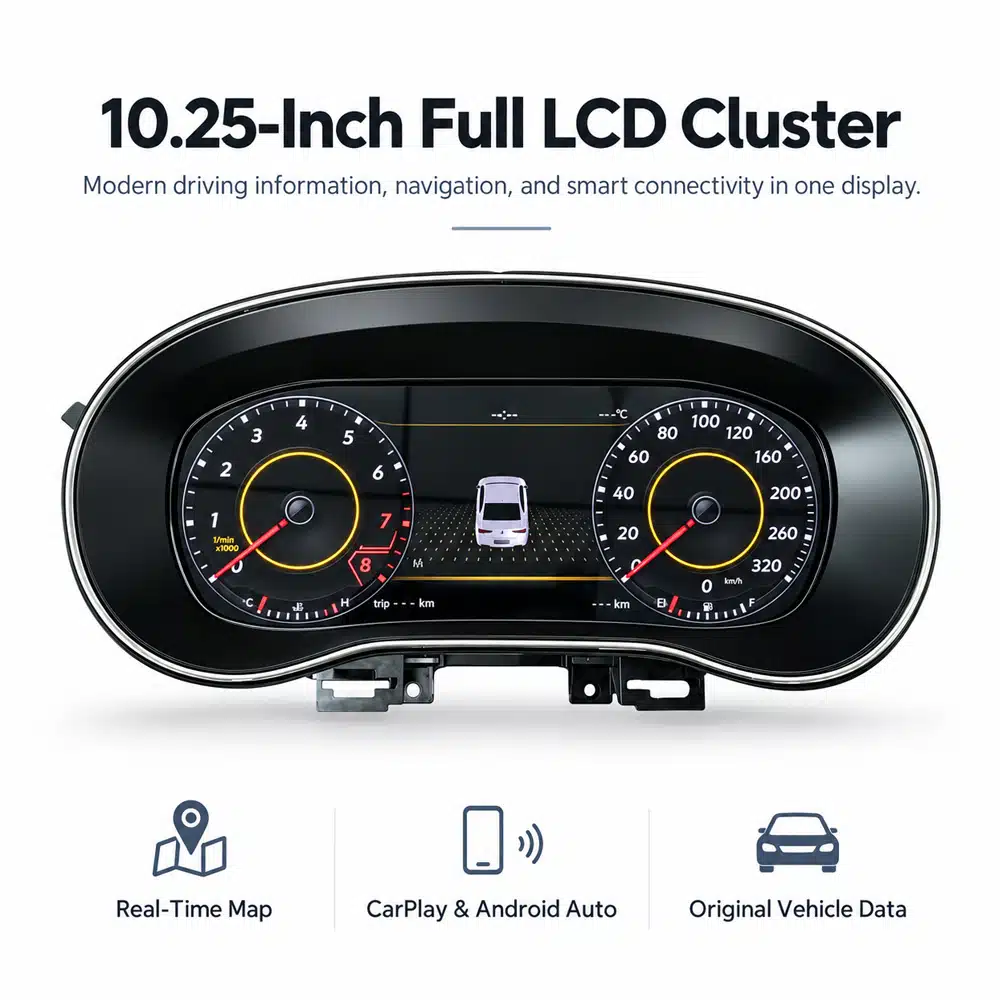
Replace the dated analog instrument view with a 10.25-inch full LCD VW Amarok Digital Cluster designed for the supported 2010–2016 route. It brings supported vehicle data, real-time map display and connected phone functions into the driver’s natural line of sight while keeping the instrument in the original dashboard position.
- ✓ 10.25″ full LCD: a cleaner, more modern instrument view in the original cluster position.
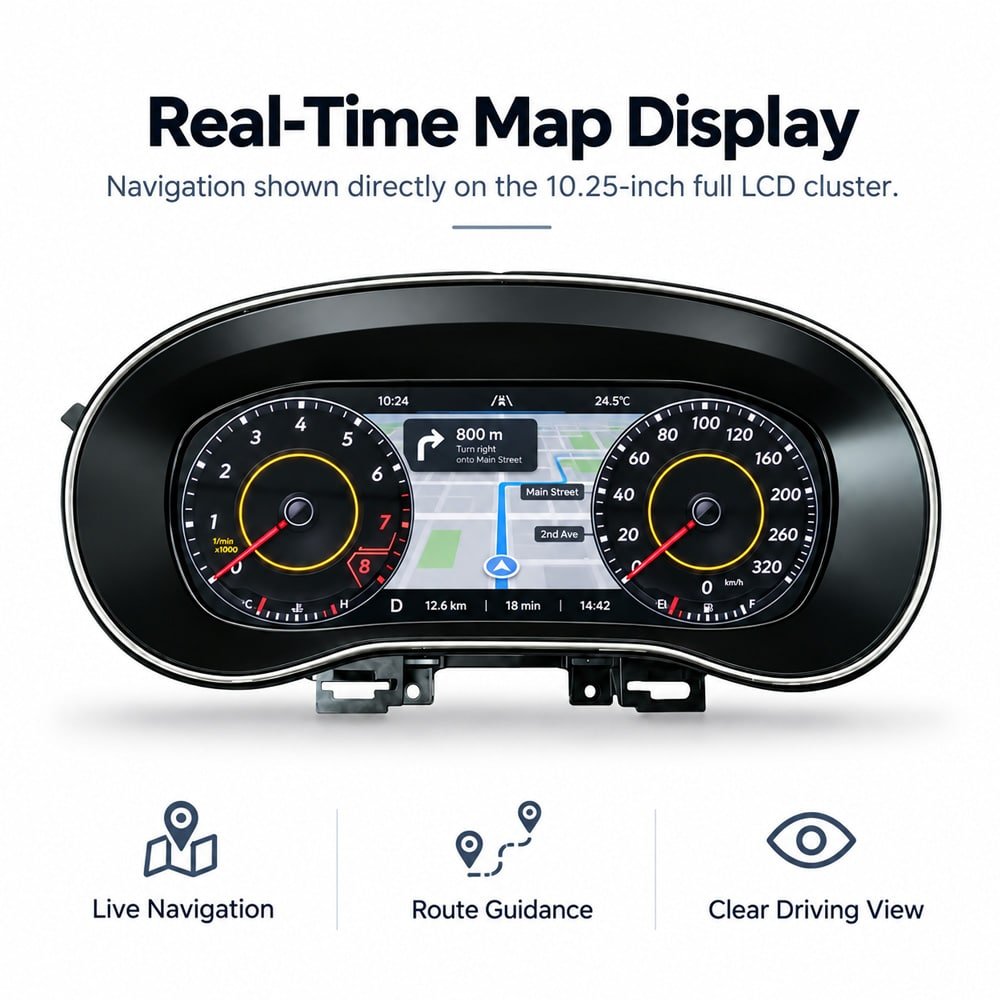
- ✓ Real-time maps: route guidance can be displayed directly in front of the driver.
- ✓ CarPlay & Android Auto: supported connectivity brings phone, music, messages and navigation into the cluster interface.
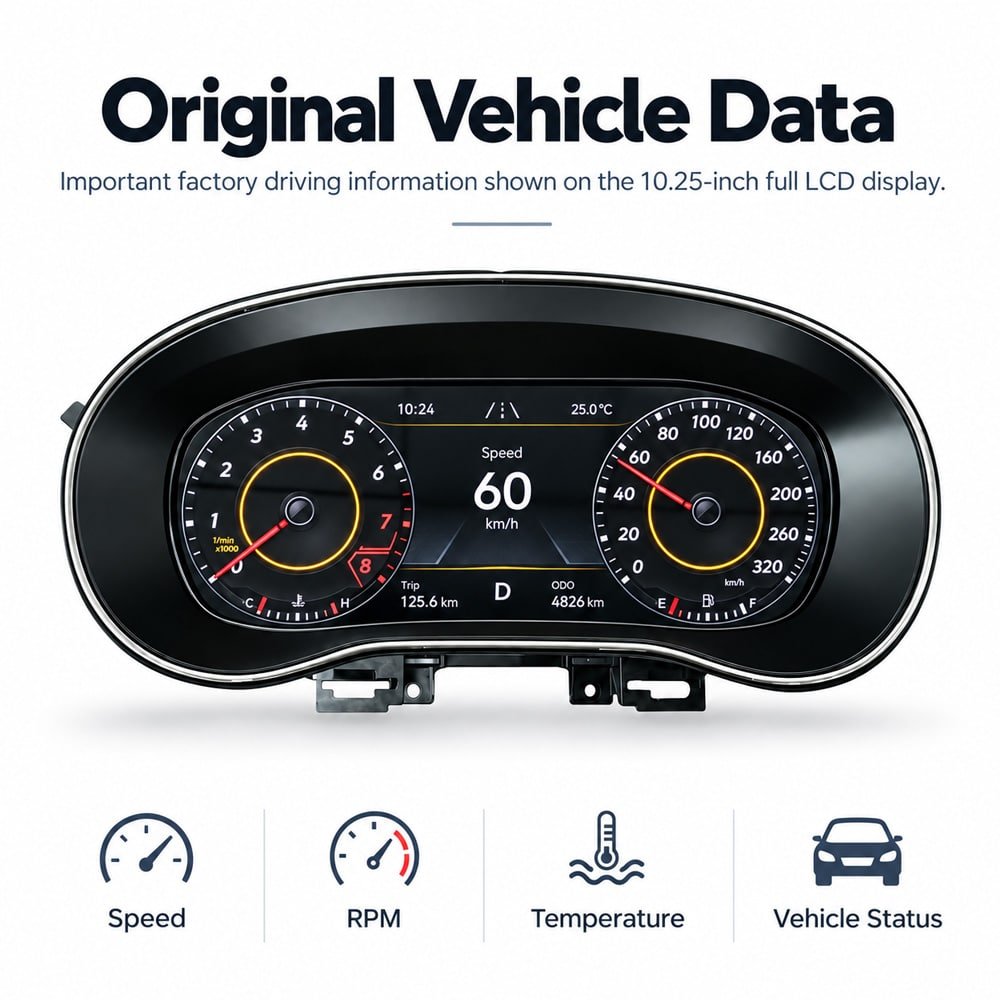
- ✓ Original vehicle data: supported speed, RPM, trip, mileage, fuel, temperature, gear and warning information remain part of the driving display.
- ✓ Matched connection route: vehicle-specific OEM-style connectors are used without intentional cutting of supported factory wiring.
10.25″ Full LCD
2010–2016 Supported listing range
Maps Driver-area guidance
Phone Link CarPlay / Android Auto
Vehicle Data Supported factory information
Matched Harness OEM-style connection route
Why the VW Amarok Digital Cluster Changes the Cab Every Day
The main benefit is not simply replacing analog dials with a screen. The upgrade moves the Amarok’s most frequently viewed information into a clearer digital layout while keeping the display directly in front of the driver.
More modern without adding a tablet on top of the dashboard
The screen stays in the original instrument location, so the cab gains a newer digital look without changing where the driver expects to find speed, RPM and warning information.
Navigation is closer to the driver’s natural sightline
Supported map display places route guidance inside the cluster, reducing repeated glances toward a phone mount or centre screen.
Useful for work, towing and long-distance driving
A clearer full-LCD interface makes core driving information easier to scan during long road use, night driving and everyday commercial use.
Connected functions become part of the cockpit
On the confirmed connectivity version, CarPlay and Android Auto bring supported phone functions into the instrument display rather than leaving them isolated on a separate device.
What Does the VW Amarok 10.25″ Digital Cluster Add?
10.25″ Full LCD in the Original Instrument Position
The cluster replaces the analog instrument view with a full LCD while retaining the familiar driver-facing location.
- 10.25-inch full LCD
- Original instrument location
- Vehicle-specific housing route
Can the VW Amarok Digital Cluster Show Real-Time Maps?
Yes, on the supported product route. The demonstrated interface shows navigation directly on the 10.25-inch cluster with route guidance, turn prompts, distance and trip information placed in the driver’s forward view.
- Real-time map display
- Turn-by-turn route guidance
- Driver-area navigation view
Does It Still Show Original Amarok Driving Data?
Yes, supported vehicle data continues through the matched vehicle interface. The current route includes supported speed, RPM, mileage, trip, fuel, temperature, gear and warning information, with the exact available items determined by the vehicle’s original data sources and confirmed configuration.
- Speed and RPM
- Trip and mileage display
- Fuel, temperature, gear and warnings where supported
Will This VW Amarok Digital Cluster Fit a 2010–2016 Amarok?
This SKU is intended for the supported Volkswagen Amarok / VW Amarok 2010–2016 route. The common vehicle chassis reference is 2H, but year or chassis name alone is not enough to prepare the correct unit.
Product listing range Volkswagen Amarok / VW Amarok · 2010–2016 · SKU YB-101
Common chassis reference VW Amarok 2H. The original cluster and connector layout still take priority for product matching.
Regional naming Volkswagen Amarok and VW Amarok are the normal search names across Europe, UK, Australia, New Zealand, South Africa and Latin American markets; regional equipment can still differ.
Do not assume the same hardware route from model year alone.
2017–2020 Amarok This page is not the 2017–2020 listing. View the separate 2017–2020 Amarok digital cockpit product.
Second-generation Amarok 2022+ vehicles use a different architecture and are not covered by this YB-101 listing.
What Should You Send to Confirm the Correct Amarok Version?
Provide the evidence that actually identifies the instrument route rather than relying only on the badge and year.
- Exact model year and market / region
- Left-hand-drive or right-hand-drive configuration
- Functions you specifically need: vehicle data, navigation, phone integration and steering controls
What Original VW Amarok Information Remains After the Digital Cluster Upgrade?
The supported route keeps the original driving information that makes the cluster practical. Vehicle data is read through the matched interface and presented digitally; exact items depend on the signals and configuration available in the specific Amarok.
Speed Supported vehicle speed data
RPM Engine-speed display
Mileage Supported odometer / mileage information
Trip Supported trip data
Temperature Supported temperature information
Gear Gear / transmission status where available
Warnings Supported warning and status information
Steering-Wheel Controls
Supported multifunction steering-wheel buttons can continue to operate cluster menus and display functions after the correct wiring and configuration are completed. This keeps daily interaction closer to the original Volkswagen control logic.
Mileage and Vehicle Data
The current product route is documented to display supported mileage and trip information through the vehicle interface.
How Is the VW Amarok Digital Cluster Installed?
The supported route uses a vehicle-specific replacement cluster and matched OEM-style connectors. “Plug and play” here means no intentional cutting of supported factory wiring; it does not mean every regional Amarok has identical hardware or requires zero configuration.
Confirm the Correct Version
Match the unit to the vehicle year, original cluster, dashboard opening, steering position and connector route before final preparation.
Remove the Original Analog Cluster
Access and remove the original instrument assembly using the correct Amarok trim and fastener procedure.
Verify Functions Before Reassembly
Check speed, RPM, fuel, mileage, warnings, steering controls and the supported navigation / phone functions before closing the dashboard trim.
Installation recommendation: A professional automotive-electronics installer is recommended, especially on older work vehicles with previous repairs or modifications.
More Reasons the Amarok Digital Cockpit Feels Better in Daily Use
These points add practical value without repeating the main feature list.
Clearer Night Readability
The full-LCD layout keeps speed, RPM and status information in a bright, centralized display, which is useful on unlit roads and late worksite departures.
Navigation Stays Driver-Focused
On supported versions, route prompts remain in the instrument area so the driver does not need to look across the cabin for every navigation check.
Specifications / Product Parameters
VW Amarok Digital Instrument Cluster Specifications
These are the currently documented hardware, fitment and interface details for this 2010–2016 Amarok listing. Unverified processor, memory, resolution or universal coding claims are intentionally not added.
SKU YB-101
Display 10.25″ Full LCD
Fitment Range VW Amarok 2010–2016
Chassis Reference 2H
Connection Matched OEM-style route
Key Functions Maps · CarPlay / Android Auto · Vehicle data
| Product Type | VW Amarok Digital Instrument Cluster / Full LCD Cockpit Panel |
|---|---|
| SKU | YB-101 |
| Primary Fitment Range | Volkswagen Amarok / VW Amarok within the 2010–2016 product listing range |
| Common Chassis Reference | 2H; exact original cluster, steering position and connector route still require confirmation where needed |
| Display | 10.25-inch full LCD |
| Demonstrated Functions | Real-time map display; Apple CarPlay / Android Auto interface; supported original vehicle information |
| Supported Vehicle Data | Speed, RPM, mileage, trip, fuel, temperature, gear, warnings and other available vehicle information according to the confirmed vehicle route |
| Steering-Wheel Controls | Supported multifunction steering-wheel control logic after correct connection and configuration |
| Installation Route | Matched OEM-style connectors; no intentional cutting of supported factory wiring |
| Compatibility Basis | Model year, market version, original cluster, dashboard opening, LHD/RHD steering position, connector layout and required functions |
| Listed Weight | 4.2 kg |
| Listed Dimensions | 46 × 28 × 26 cm |
Give Your 2010–2016 VW Amarok the Digital Cockpit Upgrade It Deserves
Choose this VW Amarok Digital Cluster if you want a sharper 10.25-inch driver display, supported original vehicle information, real-time maps and phone integration in a version-matched replacement cluster.
Frequently asked questions
Will this vw amarok digital cluster fit my vehicle?
This vw amarok digital cluster listing is for 2010–2016 models. Compatibility can depend on your trim, original cluster and software version, so send us your vehicle details before ordering and we will help confirm.
Do you ship the vw amarok digital cluster to my country?
We ship from Texas City, Texas, to customers worldwide. Rates, delivery estimates and customs information are on our Shipping & Returns page.
Does the vw amarok digital cluster need coding or a professional installer?
The product description describes this as a plug-and-play kit. Installation requirements vary by vehicle and kit version, so ask us what is needed for your car before you order.
What if the vw amarok digital cluster does not fit?
If a part does not fit your vehicle you can request a return for a replacement or a refund. See Shipping & Returns for the process, and our digital cluster buying guide for what to check first.


Reviews
There are no reviews yet.